
Servers and virtualisation for more manageable IT

Nemis helps make server environments understandable, maintainable and ready for change. Virtualisation simplifies management, backups and recovery, but it requires well-designed storage, networking and verified procedures.

When your server environment becomes a business risk

This service suits businesses replacing ageing hardware, consolidating servers, migrating physical machines, deploying an application or checking whether their systems can be recovered quickly.

You do not need to wait for a complete overhaul. We clarify the current state, address the most important issues and then build further capabilities. Technology supports business operations without becoming an endless project.

EQUIPMENT

Servers depend on a single device

Ageing hardware, unclear redundancy or one critical server increases the consequences of failure.

GROWTH

Systems have accumulated without a plan

Physical and virtual servers are added over time until nobody has a complete view of their dependencies.

RECOVERY

No verified response to an outage

Backups alone do not establish readiness if storage and the recovery sequence have not been checked.

Can your server environment support work through changes or outages?

Whether a system works today is only part of the picture. We also assess documentation, recoverability, access rights and behaviour during planned changes or unexpected outages. The initial review therefore focuses on business impact as well as devices.

PHYSICAL SERVERS

Servers are old and have no replacement plan

A key application depends on a single device without a clear replacement or recovery path.

VIRTUAL MACHINES

Resource allocation is unclear

Virtual machines lack agreed limits, priorities or documented dependencies on storage and networking.

SNAPSHOTS

Snapshots are mistaken for backups

A short-term snapshot helps during changes, but it does not replace a separate, verified backup and recovery option.

STORAGE

Storage has no verified strategy

Capacity, redundancy, ZFS, performance and growth have not been assessed against actual business services.

UPDATES

Updates have no rollback plan

Changes are made without an approved maintenance window, application checks or a way to return to the previous state.

MIGRATIONS

Migrations are delayed over downtime concerns

Moving to a new environment needs an inventory, sequence, testing and agreed rollback approach.

DEPENDENCIES

Server-to-process dependencies are unclear

Without records of applications, users and connections, an incident leaves too much time spent guessing about its consequences.

Servers as a managed system

For each area, we first assess how your business works today and what is genuinely critical. We then identify the smallest useful action that reduces risk or improves reliability. Features are introduced for a purpose rather than simply because a product offers them.

We consider people, processes, existing equipment, maintenance costs and whether another responsible person could understand the solution. The outcome must be verifiable: we agree what success means, how to check it and where essential settings are documented.

ASSESSMENT

Server environment assessment

We record servers, virtual machines, applications, dependencies, storage and criticality. This provides a clear foundation for priorities and further decisions.

VIRTUALISATION

Virtualisation planning

We assess Proxmox, KVM, VMware or another suitable solution against applications, expertise, support, capacity and availability requirements.

STORAGE

Storage and ZFS

We organise storage capacity, redundancy, snapshot policies and the relationship between storage, virtual machines and backups.

MIGRATION

Server migration

We prepare the transfer sequence, application checks, maintenance window and rollback approach to keep migration manageable.

BACKUP

Backup and recovery

We distinguish production, snapshots, backups and recovery procedures. Actual recovery must also be tested regularly.

AVAILABILITY

High availability

Where business impact justifies it, we assess redundant components, shared storage, failover and the practical limits of high availability.

ACCESS

Hardening and access

We organise administrator access, updates, baseline security settings and responsibilities for system management.

DOCUMENTATION

Documentation and handover

Essential settings, dependencies, access rights and procedures are recorded so that responsible people can use them in future.

A redundant virtualised server environment with storage and networking

Virtualisation simplifies management but still needs a plan

Virtualisation enables equipment consolidation, easier backups and faster service recovery. The platform itself cannot resolve unclear dependencies, undersized storage, unsuitable segmentation or untested backups. Our plans therefore cover physical hosts, virtual machines, networks, storage and the business importance of each application.

For storage, we check performance, capacity, redundancy, health monitoring and expansion options. ZFS can suit some environments, but it is not a universal answer. The choice depends on application requirements, data types, maintenance expertise and the expected recovery approach.

DECISIONS BASED ON YOUR ENVIRONMENT

A clear, verifiable design

We assess Proxmox, KVM, VMware, Windows and Linux servers against the actual business context, support, costs and long-term maintenance capability, rather than presenting one platform as the answer to everything.

More predictability, fewer surprises

Good delivery makes key services more predictable, enables evidence-based troubleshooting and helps the business understand which decisions it needs to make.

This reduces dependence on individuals, shortens diagnosis and allows more realistic cost planning. Clear information is the foundation for responding to change or incidents with less guesswork.

For server services, technical possibilities and business priorities must be distinguished. Not every system needs the same redundancy. Your business should know which processes can wait, which need recovery within hours and which require immediate action. This directs investment towards reducing actual business risk rather than paying for features without a clear use.

Agreed priorities are recorded and can be reviewed regularly, making next steps understandable when responsible people, suppliers or business requirements change.

CONSOLIDATION

Better resource management

Consolidation reduces the number of poorly documented physical devices and helps allocate computing and storage resources more sensibly.

RECOVERY

Easier backups and faster recovery

Separate backups, clear procedures and tested restores significantly reduce uncertainty during an incident.

TRANSPARENCY

A clearer view of applications and dependencies

An inventory shows which servers support business processes, how they connect and who is responsible for changes.

REPLACEMENT

Less risk when replacing equipment

A planned migration with validation and rollback reduces the risk of one change bringing the whole business to a halt.

GROWTH

A foundation for growth and additional services

A clear design makes it more predictable to add applications, users, capacity, locations and services.

DOCUMENTATION

Clearer maintenance and documentation

Essential information is available to those responsible rather than being held by one person or buried in old messages.

We plan, verify and document changes

We start by defining the business goal, scope, dependencies and constraints. We review the current state, available documentation and points where a change might affect users or data before making changes in production.

For larger changes, we prepare a sequence, maintenance window, verification process and rollback approach. You know what is changing, why and how the result will be confirmed.

1. GOAL

Business impact and scope

We identify critical applications, users, data, dependencies and the consequences of an outage.

2. ASSESSMENT

Current state and priorities

We review servers, virtual machines, storage, backups, documentation and the limits of the existing environment.

3. IMPLEMENTATION

Approved changes, delivered in stages

For migrations and larger changes, we prepare the sequence, maintenance window, application checks and rollback approach.

4. FOLLOW-UP

Monitoring, documentation and next steps

After implementation, we update essential records and distinguish urgent actions from improvements that can wait.

The quickest safe intervention when appropriate

Remote support is our usual way of working. Secure, documented access lets us review status, logs, updates, configurations, permissions and diagnostic information without waiting for an on-site visit.

Physical replacement, cabling, local recovery, hardware installation or security restrictions may require on-site work. We choose the approach that delivers the right result.

RESPONSIBLE DELIVERY

Quality delivery includes verification and clear boundaries

After implementation, we verify the agreed result and update documentation where needed for future maintenance. We clearly identify what is included and what requires a separate project, licence, supplier or partner. Changes that could significantly affect availability, data or costs require approval.
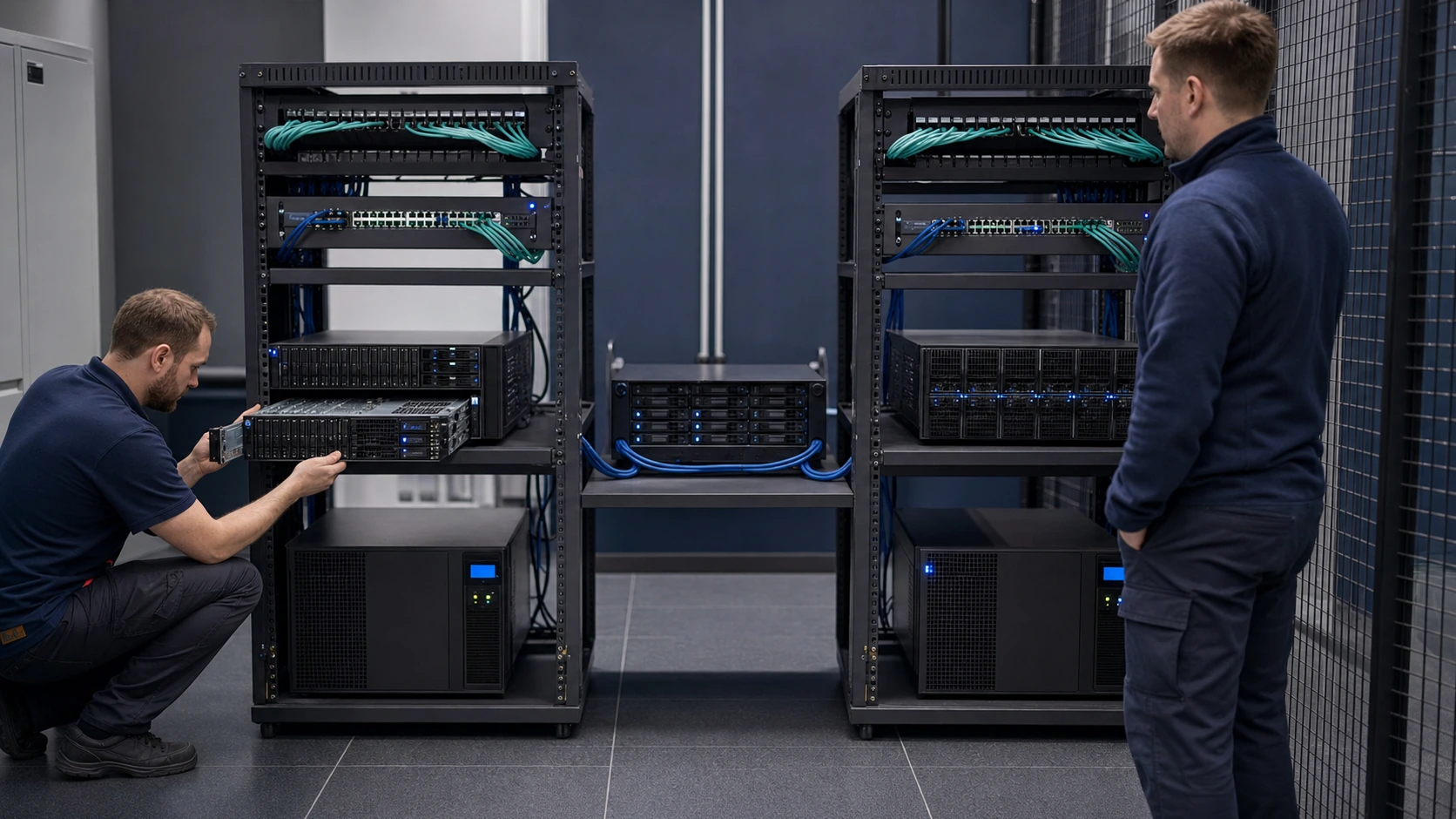
An IT specialist maintaining server or storage equipment at a customer's premises

Servers and virtualisation: frequently asked questions

For an initial assessment, useful information includes a list of servers or applications, approximate user numbers, existing backups, the issue and the expected timeframe. If documentation is missing, we begin with a limited review.

Is Proxmox always the right choice?

Not necessarily. The choice depends on applications, support, expertise, storage and availability requirements. We compare suitable options for your particular environment.

Can a snapshot replace a backup?

No. Snapshots help with changes and short-term rollback, but they cannot replace a separate, verified backup and a clear recovery procedure.

Can a migration be completed without downtime?

For some systems, yes; others need a maintenance window. We define this in the plan according to the application, dependencies, data and acceptable risk.

Do you work with Linux and Windows servers?

Yes. Both follow the same principles: access rights, updates, backups, recovery, monitoring and documentation.

When does high availability make sense?

When the business impact of an outage justifies the extra complexity, hardware, licences and procedures. High availability does not replace backups or tested recovery.
A consultation about virtualisation, backups and server environment recovery

Start with the environment your business depends on

Describe your company size, key applications, number of users, existing equipment and main issue. Tell us whether this is urgent, a planned improvement or hardware replacement. We will suggest an assessment, project approach or ongoing support arrangement.